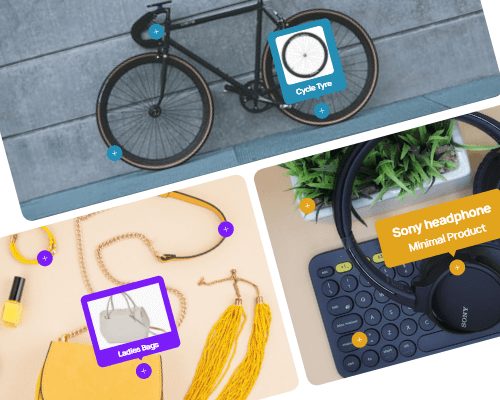
Divi Hotspot
Divi Hotspot is perfect for showcasing interactive elements on your website. Use hotspots and tooltips so that your visitors will be able to easily point to the products being sold in an image that you upload.
130x35x60 cm
$350
130x35x60 cm
$450
130x35x60 cm
$180

Tea Table
Minimal Sofa
Table
Vase


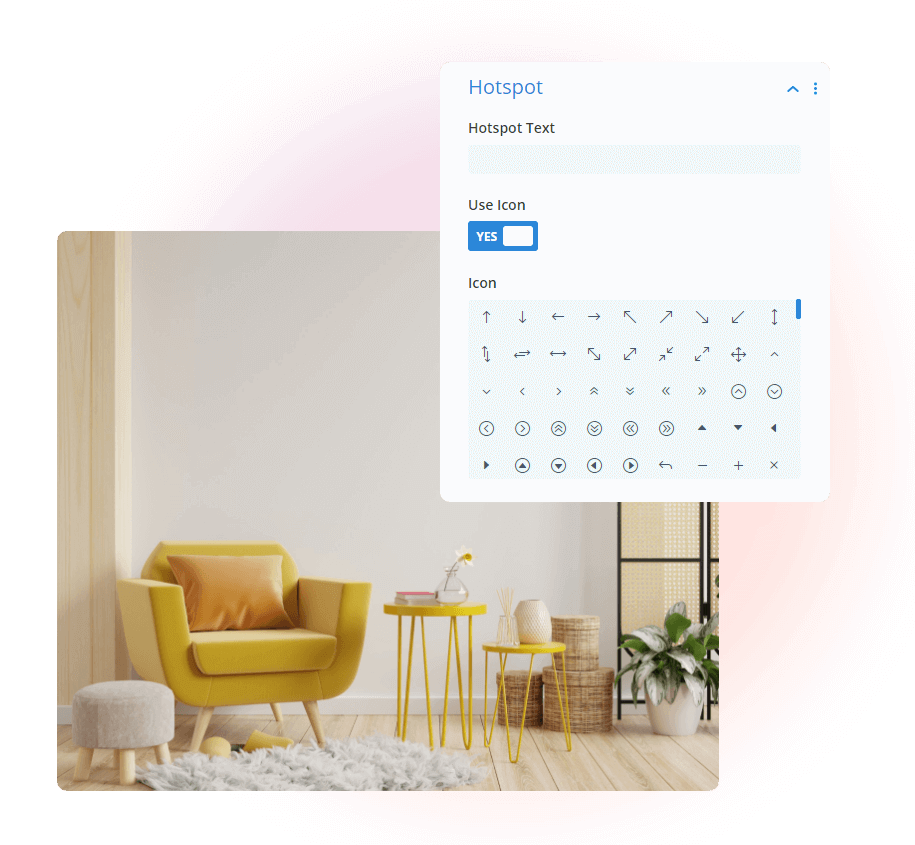
Add Hotspot Text & Use Icon
Divi Hotspot effortlessly enhances images with interactive hotspots and icons. Engage visitors, highlight key elements, and elevate your website’s visual appeal with ease

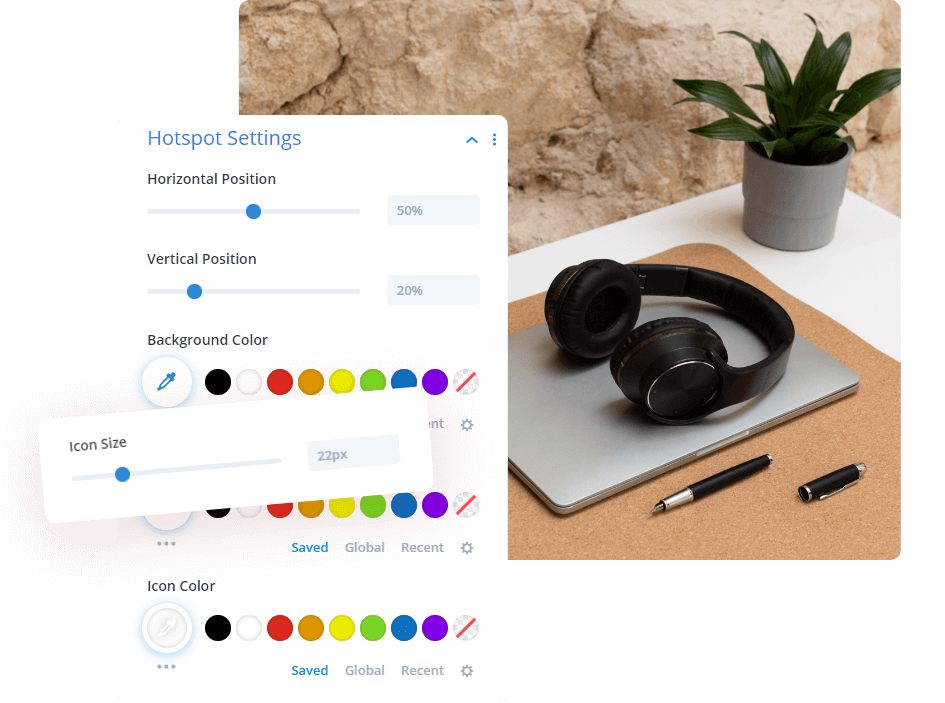
Add Hotspot Color , Position & Icon Size
Customize your hotspots like never before with Divi Hotspot’s ‘Add Hotspot Color, Position & Icon Size’ feature. Tailor the color, position, and size of your hotspots and icons to perfectly complement your design. Stand out, guide your visitors, and make your website truly unique.
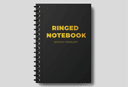
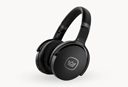
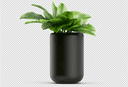
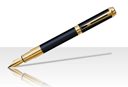


Sunglass
Men’s T-shirt
Shoe


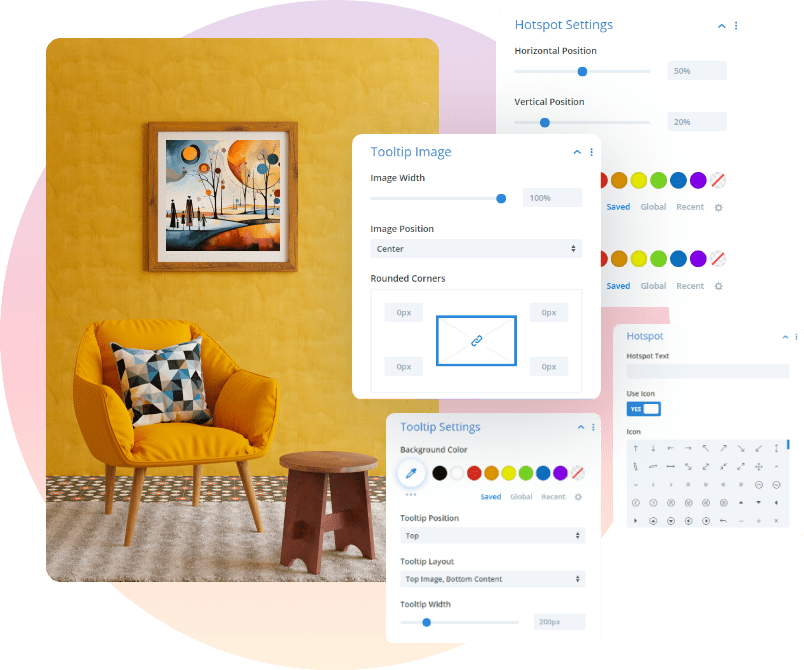
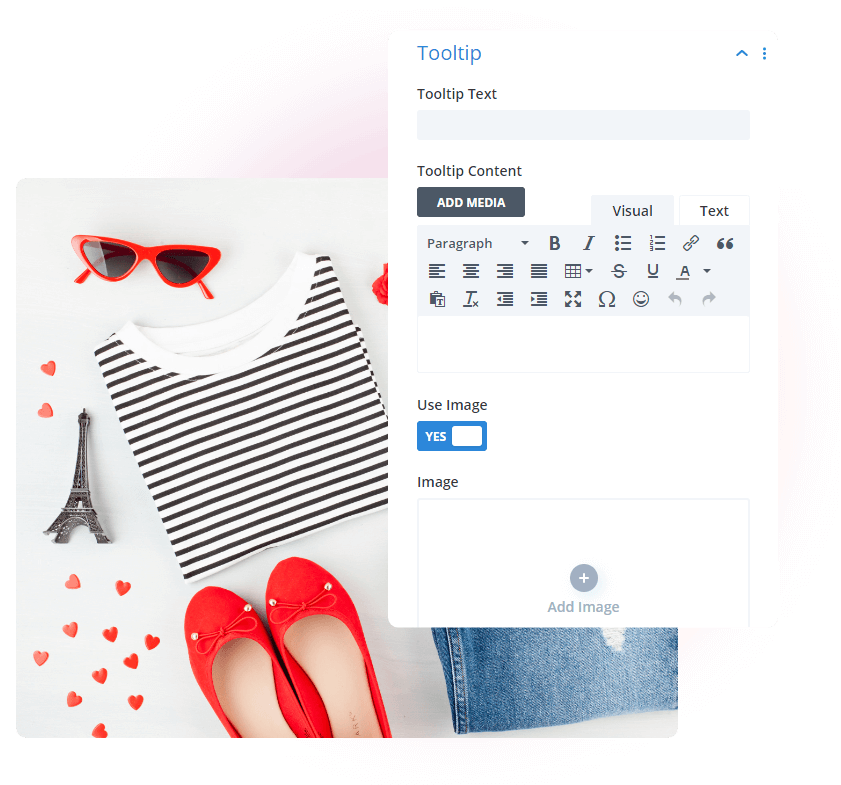
Add Tooltip Text & Use Image
You get to add an icon and text for both the hotspot and tooltip, but you also get to add a relevant image within the Tooltip item settings within the Tooltip toggle.


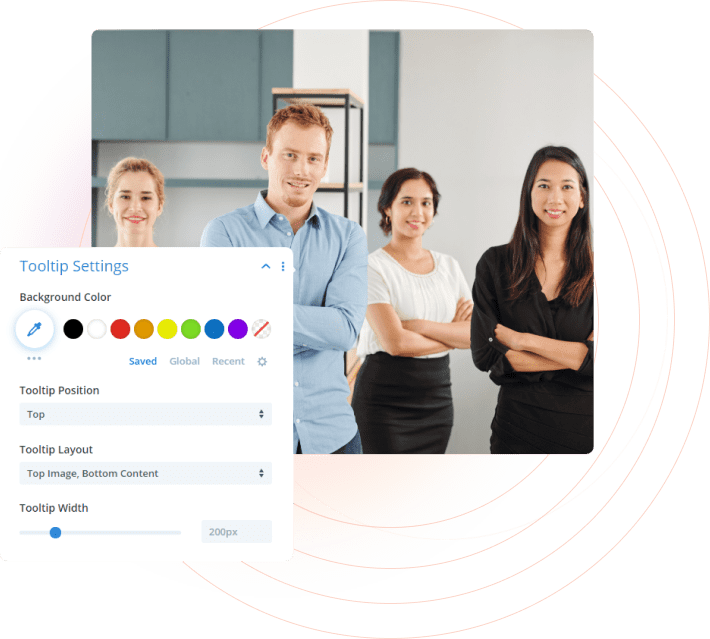
Add Tooltip Position, Color & Size
Elevate your tooltips with Divi Hotspot’s customization options. Perfect positioning, color, and size for seamless integration and enhanced user experience. Make your website shine.
TECH SUPPORT
Front-End Developer
Product Designer
Donjetë Vuniqi

Divi Hotspot Layouts
Here are some great demo layouts for you to get started.